September 8, 2026
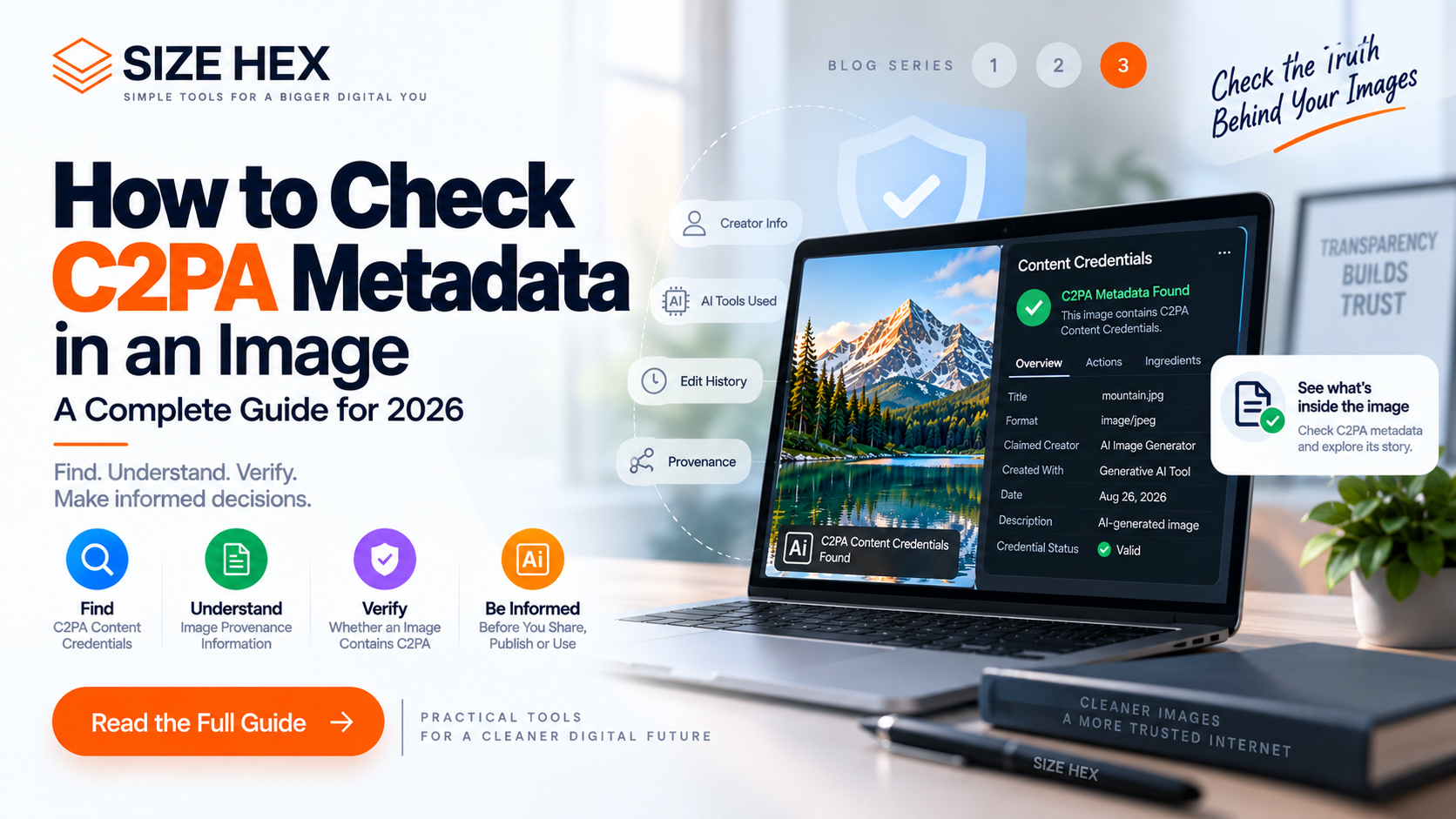
How to Check C2PA Metadata in an Image: A Complete Guide for 2026
PART 1
How to Check C2PA Metadata in an Image: A Complete Guide for 2026
AI-generated images can contain more than the visual information you see on your screen. Depending on the tool and workflow used to create or edit an image, the file may also contain metadata or Content Credentials that provide information about its provenance.
One of the technologies associated with digital content provenance is C2PA.
C2PA stands for Coalition for Content Provenance and Authenticity. It provides a technical framework for attaching verifiable provenance information to digital content. This information can help describe how content was created, modified, or processed.
If you regularly work with AI-generated images, checking for C2PA metadata can help you understand what information is associated with an image before you publish, share, archive, or clean the file.
In this guide, you'll learn what C2PA metadata is, how to check whether an image contains C2PA information, what Content Credentials can tell you, and how C2PA differs from traditional image metadata such as EXIF.
What Is C2PA Metadata?
C2PA is a technical standard for content provenance and authenticity.
The goal is to provide a verifiable record of relevant actions associated with digital content. For example, a Content Credential can communicate information about the creation or modification of an image.
This is particularly relevant for AI-generated content because creators and platforms can use provenance information to communicate that generative AI was involved in creating or modifying an asset.
C2PA Content Credentials are designed to be cryptographically verifiable. This makes them different from ordinary descriptive metadata that can simply be edited with an image application.
Importantly, C2PA metadata is not the same thing as a visible watermark.
A visible watermark is part of what you see in the image, such as a logo, text, or graphic placed over the picture.
C2PA information is associated with the digital asset as provenance information.
Why Should You Check C2PA Metadata?
There are several reasons to inspect an image before using it.
The first is understanding provenance.
If an image contains Content Credentials, you may be able to learn information about how the asset was created or modified.
The second is content verification.
C2PA is designed to provide a way for supported systems to verify provenance assertions and determine whether the associated credentials have been altered.
The third is privacy and file management.
Before sharing an image publicly, you may want to know what information is attached to the file. Checking metadata first can help you decide whether you want to preserve the information or create a cleaned copy.
The fourth is AI-content workflows.
If you're working with images generated or modified using AI, checking for Content Credentials can help you understand whether the particular file carries machine-readable provenance information.
However, there is an important limitation:
An image without C2PA metadata is not automatically proven to be human-created.
C2PA is a provenance system, not a universal AI detector. The absence of Content Credentials cannot by itself establish how an image was originally created.
C2PA Metadata vs EXIF Metadata
C2PA and EXIF are often discussed together, but they serve different purposes.
EXIF is a metadata format commonly associated with digital images. Depending on the device and software, EXIF can contain information such as camera settings, orientation, capture date, and other technical details.
C2PA focuses on content provenance.
It can describe actions and relationships associated with an asset, such as creation, editing, or other processing events.
C2PA is also designed to work with existing metadata ecosystems, including EXIF, XMP, and IPTC. This means an image can contain traditional metadata and C2PA-related provenance information at the same time.
So, checking EXIF data does not necessarily tell you whether an image contains C2PA Content Credentials.
Likewise, removing EXIF metadata does not automatically mean that C2PA information has been removed.
What Can C2PA Metadata Tell You?
The information available depends on how the Content Credential was created and what the software or service chose to include.
A C2PA credential can contain provenance-related assertions describing aspects of an asset's history.
For example, the credential may communicate information about:
• How the content was created
• Actions performed on the content
• Software or tools involved in an action
• Relationships between source assets and derived content
• AI involvement when it has been declared in the provenance information
The exact information varies between implementations.
This is important because C2PA should not be treated as a universal database containing every detail about an image or its creator.
Instead, think of it as a structured and verifiable way to communicate provenance information that has been included in the content workflow.
Can Every AI-Generated Image Have C2PA Metadata?
No.
Not every AI-generated image necessarily contains C2PA Content Credentials.
Whether C2PA information is present depends on the AI generator, editing application, publishing workflow, file format, and how the content was exported or transformed.
An AI-generated image may therefore have C2PA information, traditional metadata, both, or neither.
This is another reason why checking the actual file is more useful than assuming that every AI image contains the same metadata.
How Does C2PA Metadata Stay Connected to an Image?
C2PA Content Credentials can be associated with digital assets through a C2PA manifest.
The manifest contains structured provenance information and can be cryptographically bound to the asset.
C2PA also supports mechanisms known as soft bindings. These can help systems associate content with its credentials even when the original embedded information is no longer directly available in the file.
This is one reason why C2PA is more than simply adding a few ordinary metadata fields to an image.
The system is designed around provenance, verification, and the relationship between content and its associated credentials.
How to Check C2PA Metadata in an Image
Checking C2PA metadata is different from simply viewing the image's properties.
Traditional image properties may show basic information such as file size, dimensions, format, camera information, or editing software. C2PA Content Credentials require a workflow or viewer that understands the C2PA standard.
Here is a practical way to approach it.
Step 1: Choose the Original Image
Start with the original file whenever possible.
Avoid checking a screenshot, compressed social-media copy, or image that has already been converted multiple times. Platforms and editing applications can modify or remove metadata during processing.
The original file gives you the best chance of finding the provenance information that was associated with the asset when it was created or exported.
Step 2: Use a C2PA-Aware Viewer or Inspector
Use a tool that specifically supports C2PA Content Credentials.
A C2PA-aware system can inspect the asset and determine whether supported Content Credentials are available.
This is important because a normal image viewer may display the picture perfectly while showing none of its provenance information.
When inspecting an image, look for terminology such as:
• Content Credentials
• C2PA
• Provenance
• Manifest
• Assertions
• Created with AI
• Edited with AI
• Digital source information
The exact interface will depend on the application or service you're using.
Step 3: Look for Content Credentials
If the image contains valid Content Credentials, a supported viewer may display information about its provenance.
The information can include details about actions performed on the asset, depending on what the creator or application included in the credential.
For AI-generated images, the provenance information may include an indication that generative AI was involved in the creation or modification process.
However, the presence and amount of information can vary significantly between different tools and workflows.
Step 4: Check Whether the Credential Is Valid
Finding C2PA information is only part of the process.
C2PA is designed around cryptographically verifiable provenance. A supported implementation can verify the relationship between the content and its associated credential.
This matters because simply seeing metadata text does not necessarily provide the same assurance as a verified Content Credential.
A proper C2PA inspection should therefore distinguish between:
Credential found
and
Credential successfully verified
Those are not necessarily the same thing.
Step 5: Review the Provenance Information
Once a credential is available, examine what it actually says.
Depending on the implementation, you may see information about:
• Creation actions
• Editing actions
• Software or applications involved
• Source assets
• AI-related actions
• Other provenance assertions
Do not assume that every credential contains all of these details.
C2PA records information that has been provided by the participating workflow. It is not automatically a complete history of everything that ever happened to an image.
Can You Check C2PA Metadata Without Special Software?
Sometimes, yes.
Some platforms and applications provide Content Credentials directly through their user interface.
For example, supported ecosystems can expose provenance information when an asset is inspected.
However, ordinary operating-system file properties are not necessarily sufficient for a complete C2PA inspection.
A file can contain provenance information that isn't displayed by your normal image viewer.
If you're specifically investigating C2PA, use a tool that understands the C2PA standard rather than relying only on the standard “Properties” or “Get Info” window.
How to Check C2PA Metadata in AI-Generated Images
AI-generated images are particularly interesting because provenance information can communicate that AI was involved in creating or modifying the content.
But the workflow matters.
Suppose you generate an image with an AI tool and then edit it in another application.
The resulting file may contain provenance information describing some of those actions, depending on whether the participating tools support and preserve C2PA Content Credentials.
If you then upload the image to another platform, that platform may process or transform the file.
The metadata you see afterward may therefore be different from what was present in the original file.
This is why checking the original AI-generated file is generally preferable to checking a downloaded copy from a social-media platform.
Does Every AI Image Have C2PA?
No.
This is one of the most important points when checking AI images.
C2PA is an available provenance technology, but it is not a universal requirement for every AI image.
An AI-generated image may not contain C2PA Content Credentials for several reasons:
• The generating platform may not use C2PA
• The image may have been exported without the credentials
• Another application may have removed or changed the metadata
• A platform may have processed the image during upload
• The particular file may simply not contain C2PA information
Therefore:
C2PA present ≠ the only way to identify AI content
and
C2PA absent ≠ proof that AI was not used
C2PA is best understood as a provenance mechanism rather than a universal AI detector.
What Is the Difference Between C2PA and an AI Detector?
An AI detector attempts to estimate whether content was generated or manipulated using artificial intelligence.
C2PA takes a different approach.
Instead of trying to infer AI involvement from the pixels alone, C2PA provides a framework for recording provenance information about the content.
That distinction is extremely important.
An AI detector may produce a probability or classification.
A C2PA credential can provide structured provenance information that can be cryptographically verified.
Neither approach should automatically be treated as an absolute answer about the origin or authenticity of an image.
Can C2PA Metadata Be Removed After Checking It?
Yes, but the decision depends on your purpose.
If you have inspected an image and determined that it contains C2PA information, you may decide to preserve it or create a separate metadata-clean version.
If you choose to remove supported C2PA or other metadata, always keep the original file first.
For a practical browser-based workflow, SizeHex's AI Image Watermark Remover is designed to remove hidden metadata from supported image files.
It is important to remember that metadata removal is different from visible watermark removal. Text, logos, or other elements that are physically part of the image pixels will remain.
If your goal is to create a metadata-clean copy, you can learn more here:
https://sizehex.com/ai-image-watermark-remover
Why Checking C2PA Before Removing Metadata Matters
Checking the metadata first gives you a better understanding of what you're about to remove.
Instead of immediately cleaning an image, you can first determine whether it contains provenance information and whether that information is useful for your workflow.
This creates a simple process:
Check → Understand → Preserve or Clean → Verify the Output
For professional content workflows, this is a much better approach than treating all image metadata as unnecessary.
If provenance matters, preserve the original.
If you need a clean derivative for a legitimate privacy or workflow purpose, create a separate copy.
This way, you retain the original provenance information while still having flexibility over how you distribute the cleaned version.
Best Practices for Checking C2PA Metadata
Checking C2PA metadata is most useful when you treat it as part of a broader image-verification workflow.
Instead of asking only, “Does this image have C2PA metadata?”, consider the bigger picture:
Where did the image come from?
Was it created or edited with an AI tool?
Does it contain Content Credentials?
Are those credentials valid?
Has the image been converted or processed since it was created?
Has any metadata been removed?
These questions provide much more context than simply looking for a single metadata field.
Always Check the Original File
Whenever possible, inspect the original image before uploading it to another platform.
Social-media websites, messaging applications, image editors, and other services may process uploaded images. During this process, metadata can potentially be changed, stripped, or replaced.
If you need to understand the original provenance of an AI-generated image, the original exported file is therefore the best starting point.
Keep an Original and a Working Copy
A good workflow is to maintain two versions of important images.
The first is your original file.
The second is your working or distribution copy.
The original can preserve the metadata and provenance information that came with the asset, while the working copy can be resized, compressed, converted, or cleaned when necessary.
This gives you more control over the asset without permanently losing potentially useful information.
What If an Image Has No C2PA Metadata?
Don't automatically assume that the image is not AI-generated.
C2PA is a provenance framework, not a universal AI-detection system.
An image may have no C2PA Content Credentials because the original creation tool did not add them, because the credentials were removed during processing, or because the file was transformed by another application or platform.
Therefore, the absence of C2PA metadata should simply be treated as:
“No C2PA provenance information was found in the file being inspected.”
It should not automatically be interpreted as:
“This image was definitely created by a human.”
What If C2PA Metadata Is Found?
If C2PA information is present, examine the credential rather than immediately removing it.
Depending on the implementation, the information may provide useful details about the asset's provenance, creation, or editing history.
If the information is valuable to your workflow, keep it.
If you have a legitimate reason to distribute a metadata-clean version, create a separate copy rather than destroying the original.
Can You Check C2PA Metadata on a Phone?
The exact experience depends on the operating system, application, and tools available on the device.
Some applications and supported platforms can expose Content Credentials directly, while standard gallery or file-management applications may only show basic image information.
If you need detailed C2PA inspection, use a dedicated C2PA-aware viewer or verification workflow.
The same principle applies on desktop computers: ordinary file properties are not necessarily a complete C2PA inspection.
C2PA Metadata and Image Privacy
Metadata inspection can also be useful from a privacy perspective.
An image file may contain information that you don't necessarily want to distribute with every copy.
Traditional metadata can sometimes include technical information about the image, while provenance systems can contain information describing aspects of the content's creation or modification.
That does not mean all metadata is harmful or should always be removed.
Instead, metadata should be treated as information attached to a digital asset that you should understand before deciding whether to preserve or clean it.
Checking first gives you that control.
How to Check and Then Clean an Image
If your workflow requires a metadata-clean copy, use this sequence:
1. Start with the original image
Keep the untouched source file.
2. Check for C2PA information
Use a C2PA-aware viewer or inspection tool.
3. Review the available provenance
Determine whether the information is useful or required for your workflow.
4. Create a copy
Never overwrite the original unnecessarily.
5. Clean the copy if required
Use an appropriate metadata-removal workflow.
6. Inspect the resulting file
Make sure the output still meets your requirements.
7. Keep both versions when appropriate
The original remains your archive, while the cleaned version can be used for distribution.
Remove C2PA Metadata with SizeHex
If you've checked an image and decided that you need a metadata-clean version, SizeHex provides a browser-based tool for supported image files.
The SizeHex AI Image Watermark Remover is designed to remove hidden image metadata such as C2PA-related information and EXIF data.
It is important to understand the name of the tool correctly: it does not remove visible watermarks, logos, or text that are part of the image itself.
You can use the tool here:
https://sizehex.com/ai-image-watermark-remover
The basic workflow is simple:
Select Image → Process → Download Clean Copy
For important images, keep your original file separately before performing any metadata-cleaning operation.
C2PA Metadata: What You Should Remember
C2PA is becoming an important part of the digital-content provenance ecosystem, especially as AI-generated and AI-edited content becomes more common.
The key points are:
• C2PA is about content provenance and authenticity.
• C2PA metadata is different from ordinary EXIF metadata.
• Not every AI-generated image contains C2PA information.
• Finding C2PA information does not automatically prove that every claim about an image is true.
• The absence of C2PA does not prove that an image is human-created.
• A C2PA-aware viewer is better for checking C2PA than ordinary file properties.
• Always check the original file when provenance matters.
• Keep an original copy before removing metadata.
• Metadata removal does not remove visible watermarks.
• C2PA metadata checking and AI detection are different processes.
Frequently Asked Questions
What is C2PA metadata?
C2PA metadata refers to provenance-related information associated with digital content through the C2PA Content Credentials framework. It can describe aspects of how content was created or modified.
How do I check C2PA metadata in an image?
Use a C2PA-aware viewer or inspection tool that can read Content Credentials. Standard image properties may not display complete C2PA information.
Can I check C2PA metadata online?
Yes. Online services and browser-based tools can provide different types of metadata inspection or Content Credential verification. Make sure you understand how the service handles your uploaded file before using it for privacy-sensitive content.
Does every AI image have C2PA metadata?
No. Whether C2PA information exists depends on the tools and workflow used to create, edit, export, and distribute the image.
Does the absence of C2PA mean an image is not AI-generated?
No. C2PA is not a universal AI detector. An image can be AI-generated without containing C2PA Content Credentials.
Is C2PA the same as EXIF metadata?
No. EXIF and C2PA serve different purposes. EXIF primarily describes technical and capture-related image information, while C2PA focuses on content provenance.
Can C2PA metadata be removed?
Supported C2PA-related provenance information can be removed in some workflows. However, removing it does not change the underlying origin of the image or guarantee that all external associations with the content disappear.
Does removing C2PA remove a visible watermark?
No. Metadata exists separately from the image's visible pixels. Removing metadata will not erase visible text, logos, or watermarks.
Can C2PA metadata tell me whether an image is AI-generated?
C2PA credentials can communicate AI-related provenance when that information has been included by the participating workflow. However, C2PA should not be treated as a universal AI detector.
Should I remove C2PA metadata from every AI image?
No. If provenance information is useful or required for your workflow, keeping it may be preferable. Remove metadata only when you have a clear reason to create a cleaned version.
What should I do before removing C2PA metadata?
Keep the original image first. Then inspect the metadata, understand what you want to remove, create a separate copy, and process that copy.
Conclusion
Checking C2PA metadata gives you a better understanding of what information is associated with an AI-generated or AI-edited image.
The most important thing is not simply finding a C2PA credential. You also need to understand what the credential represents, whether it can be verified, and whether preserving that provenance information is important for your workflow.
Remember the basic rule:
Check first. Understand the metadata. Preserve the original. Clean only when necessary.
If you need to create a metadata-clean copy after inspecting your image, you can use the SizeHex AI Image Watermark Remover for supported image formats:
https://sizehex.com/ai-image-watermark-remover
Why Choose SizeHex?
SizeHex focuses on simple browser-based tools for everyday digital workflows.
For AI image metadata cleaning, the tool provides a straightforward way to process supported JPG, PNG, and WebP images without requiring traditional desktop software.
It can be useful when you want to:
• Create a metadata-clean image copy
• Remove supported hidden image metadata
• Clean C2PA-related information
• Remove EXIF data
• Prepare an image for another workflow
Always keep the original when provenance or metadata may be important.
Related Tools
AI Image Watermark Remover
https://sizehex.com/ai-image-watermark-remover
Image Compressor
https://sizehex.com/
Image Converter
https://sizehex.com/image-converter
WebP Converter
https://sizehex.com/webp-converter
HEIC to JPG Converter
https://sizehex.com/heic-converter